heyski.io / tutorials / meeting recorder
Tutorial 02 · Record any meeting

Record any meeting. No bot, no upload.

Capture your mic and the meeting audio entirely on your own machine — live transcript included, no time limits, free. Here's the whole flow.

0:55 · with sound · recording stays on your machine
The written version

Record → transcribe → notes.

STEP 01

Open the meeting menu

In any meeting app — Zoom, Google Meet, Teams, even a webinar in a browser tab — hover the SKI widget and open the meeting menu (the camera button).
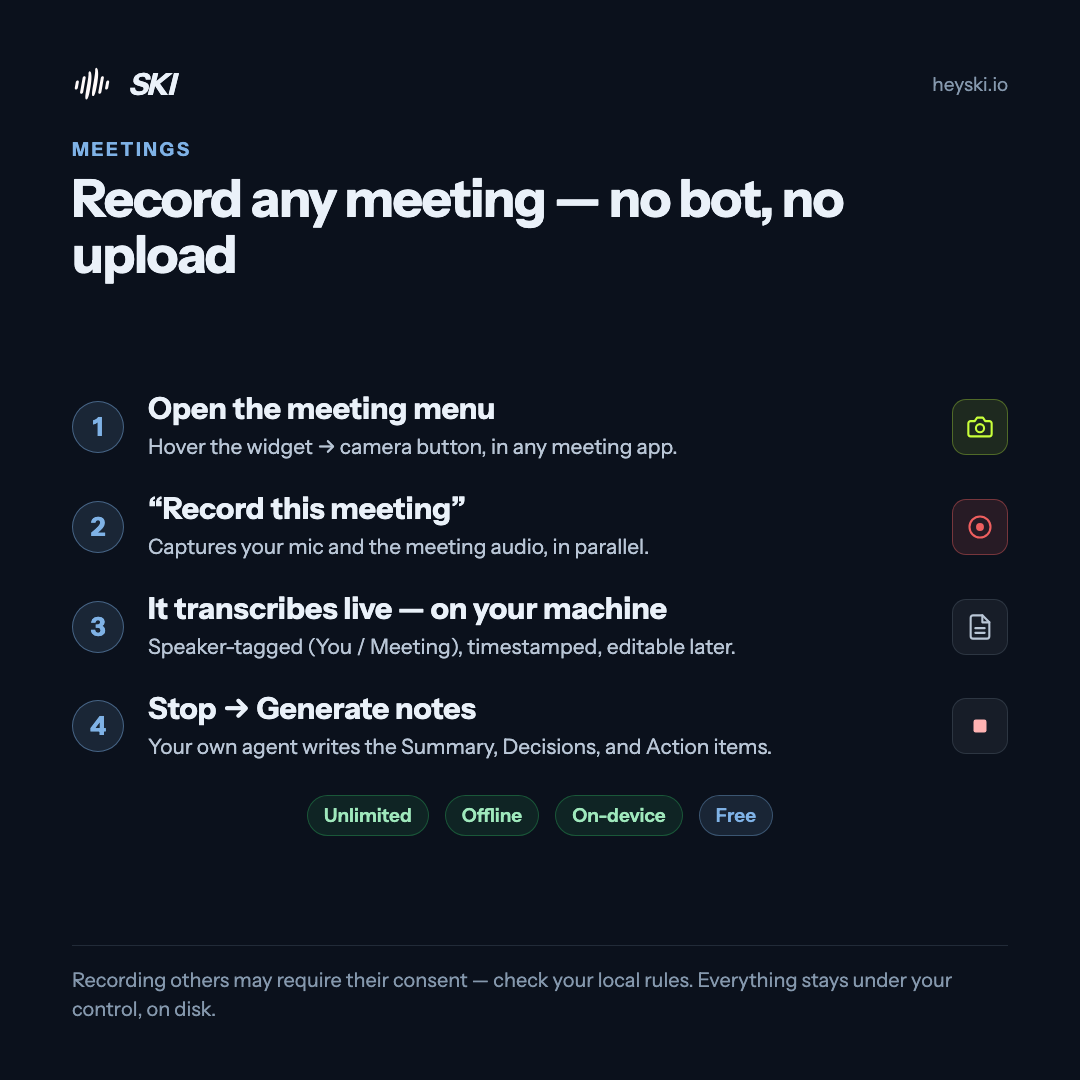
Infographic: record any meeting in four steps — open the meeting menu, choose record this meeting, it transcribes live on your machine, stop and generate notes
The whole flow on one card
STEP 02

Choose "Record this meeting"

SKI captures both sides in parallel — your mic on one track, the meeting audio on another. A red timer on the widget shows it's rolling. No bot joins the call, and nothing changes for the other participants.

STEP 03

It transcribes live — on your machine

The transcript writes itself as the meeting happens: speaker-tagged (You / Meeting), timestamped, and editable afterwards. Nothing is uploaded — there's nothing to upload to.

STEP 04

Stop → Generate notes

When it's over, press stop, open Transcripts, and choose Generate notes. Your own coding agent writes the summary — decisions and action items included — from the transcript sitting on your disk.

STEP 05

Keep it forever

No time limits. No minutes to buy. It's your machine — record as much as you want, and export any transcript as Markdown or plain text whenever you need it.

Recording others may require their consent — check the rules where you live. Everything stays under your control, on disk.

Meeting recorder · FAQ

Good questions.

Is it really unlimited and free?

Yes. Your machine does the recording and the transcription, so there are no minutes to buy and no caps — record as long and as often as you want, and keep everything. Registration is free, no card.

Does a bot join my call?

No. Local recording captures the audio on your machine only — nothing joins the meeting and nothing changes for other participants. You're responsible for getting any consent recording laws require where you are.

Which meeting apps does it work with?

Anything that plays audio on your machine — Zoom, Google Meet, Microsoft Teams, a webinar in a browser tab. SKI records your mic and the system audio side by side.

Does it tell speakers apart?

Local recordings are captured as two tagged tracks — your mic ("You") and the meeting audio — with timestamps, editable afterwards. If you want every individual speaker tagged by name, send the agent into the call instead; that mode produces a fully diarized transcript.

Where do my recordings and transcripts live?

On your disk, in SKI's built-in Transcripts window — view, edit, copy, export as Markdown or plain text, or delete, any time. Nothing is uploaded anywhere.

Keep going

More tutorials.

Never lose a meeting.

Free for life. The recorder, the transcripts, the notes — all included, all on-device. Register once, no card.

macOS 14.4+ · Apple Silicon  ·  Windows 11 & 10 · x64