Talk to OpenAI's coding agent out loud and hear it answer. SKI gives Codex ears and a natural voice — free, and everything voice-related stays on your machine.
Codex is OpenAI's coding agent: point it at a repo and it plans, edits, and runs — a workflow made for handing off, not hovering. Voice coding completes that handoff: you say what you want the moment you think of it, and instead of watching output scroll by, you hear the result when it lands.
SKI does the voice part entirely on your machine. Speech becomes text locally and reaches Codex exactly like a typed prompt, through a small skill and plain files in your project; replies come back as a natural spoken voice, with the transcript in the pill or notch. SKI records nothing and uploads nothing — Codex simply sees text.
One installer — DMG on Mac, EXE on Windows. A small widget appears — notch on Mac, floating pill on Windows. That's the whole interface.
SKI installs a small skill Codex already understands, at the user and project level — one click, once.
In your Codex session, type ski. When the widget's dot turns green, you're connected: the project can now hear you and speak back.
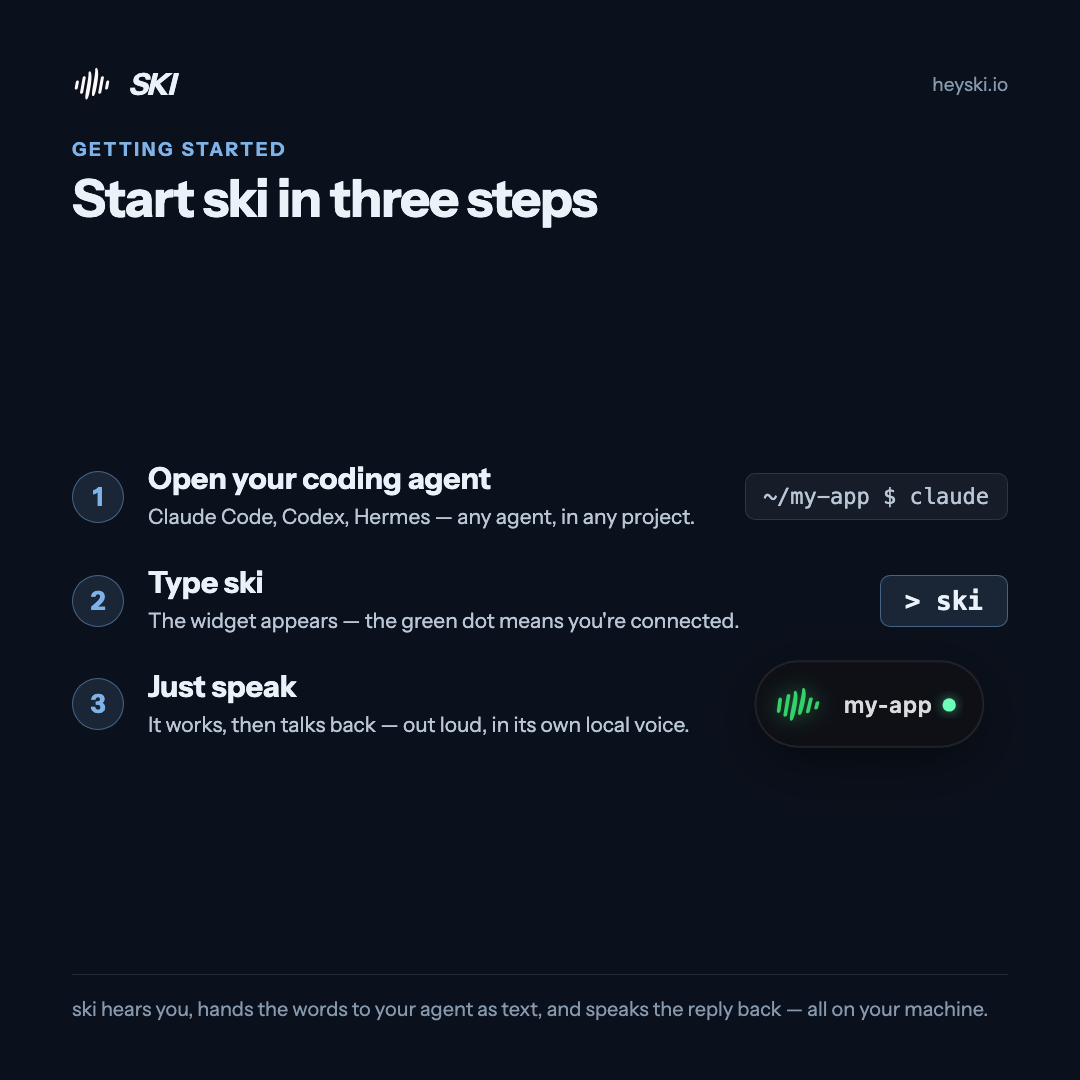
Say what you need — "fix the failing test," "add pagination to the API," "walk me through this diff." Codex gets your words as text, works, and answers out loud when it's done or has a question. Interrupt it mid-sentence any time — you'll still be heard.
Connect more projects — more Codex, or a mix with Claude Code and Cursor — each answering in its own voice. Screenshots ride your next sentence, silent mode keeps replies text-only on calls, and every control can be a hotkey.
OpenAI's Codex coding agent. One click in SKI installs the skill at the user and project level; then typing ski in a Codex session connects it to the widget.
SKI is free for life. Codex is OpenAI's tool with its own plans — SKI adds the ears and the voice to whatever Codex access you already have.
No. SKI and Codex exchange messages through a skill and plain files inside your own project — nothing is injected into windows or keystrokes, so any terminal setup works.
Yes — when Codex replies, SKI speaks it in a natural neural voice generated on your machine, and shows the text in the pill or notch. Prefer quiet? Silent mode keeps replies text-only.
No. Listening and speaking run entirely on-device; your audio never leaves the machine. Codex receives your words as text, exactly as if you had typed them.
Dictation vs talking to an agent — the full picture, plus the five-step tutorial.
Read the guide →Talk to Claude Code in the terminal or your IDE — and hear it answer.
Read the guide →Speak to Cursor's agent while you stay in the editor.
Read the guide →Free for life. Register once — no card — and the whole spoken loop with Codex is yours, on-device, forever.