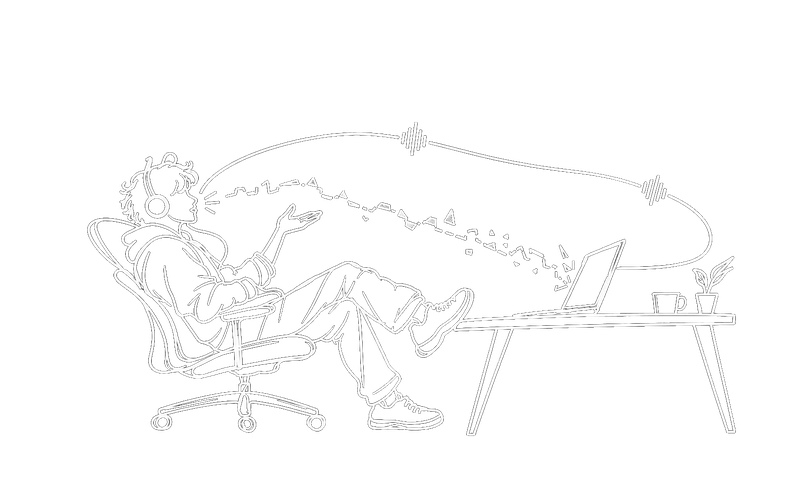
There’s a quiet assumption buried in almost every “voice for productivity” tool shipped in the last few years: that voice is just a faster way to fill in a text box.
You talk, words appear, you carry on exactly as you would have anyway. A straight line, mouth to screen.
It’s a useful trick. It is also, if you think about it for more than a few seconds, a strange thing to call a conversation, because nothing answers you.
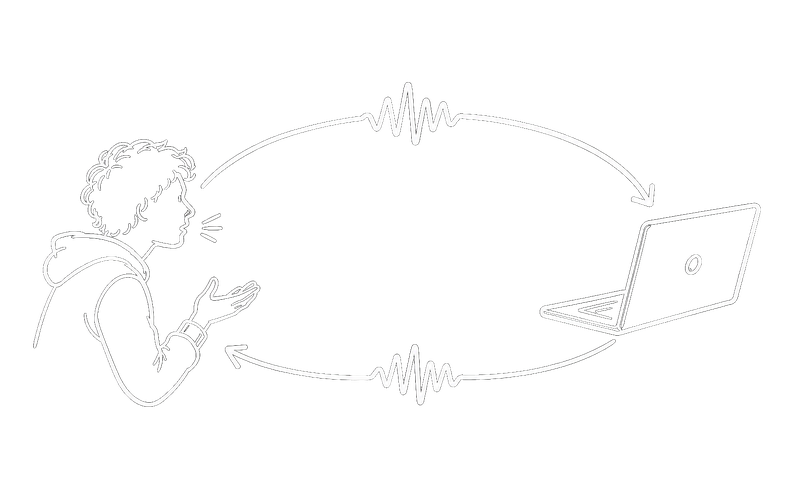
A conversation isn’t a line
It’s a loop. Someone says something, someone responds, the first person adjusts based on the response, and the thing that comes out the other end is different from what either person walked in with. That back-and-forth is the entire mechanism by which two minds end up somewhere neither started.
Every dictation tool we’ve used takes half of that and calls it done.
We wanted the other half. Not “type faster by talking”, talk to something that talks back the way a collaborator would.
You describe what you want. The agent goes and builds it. And when it comes back, it doesn’t print an essay you have to go read, it tells you, the way a person sitting across from you would tell you, and you can ask a follow-up without touching a keyboard at all.
What the loop is actually made of
It is worth being concrete, because “a loop” sounds like a metaphor and it is not. It is four steps, and a dictation tool gives you exactly one of them.
| The line (dictation) | The loop (voice coding) | |
|---|---|---|
| 1. You speak | yes | yes |
| 2. It works | yes | yes |
| 3. It tells you | no, you go and look | out loud, wherever you are |
| 4. You answer | back to the keyboard | just talk, no window switch |
Steps one and two are the line. Everybody has those. Steps three and four are what closes it, and closing it is what makes the difference between operating a tool and working with something.
Notice that the loop is not a circle you go round once. Step four leads straight back to step one, and the interesting work happens on the second and third pass: you hear the answer, it is not quite right, you adjust, and the adjustment costs a sentence rather than a context switch. That is where two minds arrive somewhere neither started.
A line has no second pass. When the answer comes back as text you have to go and read, the loop breaks at step three and every further turn costs you a trip.
The loop, not the line
That loop is the whole differentiator, and it is what separates voice coding from dictation. Everything else about SKI is really just infrastructure in service of that one idea: input and output, wired into the same conversation, with the agent able to speak first when it needs to.
It’s not dictation. Your coding agent answers you, out loud, like a real person, and you can keep the thread going without ever opening the terminal.
Runs entirely on your machine. Works with Claude Code, Codex, Cursor, Gemini CLI, and a growing list of others. Free for life.
Build at the speed of thought.