Most writing about voice coding treats it as a productivity upgrade. For a lot of developers it isn’t, it’s the difference between working and not working.
If you’ve got RSI, tendonitis, a recent injury, or any condition that makes sustained typing painful, you’ve probably already tried the old generation of tools, and you probably found them exhausting. This post is about why that was, and what actually changed.
Why the old tools were so tiring
For most of its history, coding by voice meant dictation: speaking source code into a grammar-based recognizer, one token at a time. “Open paren. Camel case user id. Semicolon.”
Those systems were real engineering, and for people who couldn’t type they were the difference between having a career and losing one. But they asked an enormous amount. You had to hold a command grammar in your head, pronounce syntax precisely, and correct a stream of near-misses, all while doing the actual thinking. The physical strain went down; the cognitive strain went up, sometimes past what it replaced.
And the tools were brittle in a way that punished exactly the people relying on them. One misheard symbol corrupts a line. Correcting it by voice takes longer than the original utterance.
What changed
Coding agents removed the requirement to say the code at all.
You no longer pronounce syntax, because you’re not producing characters. You describe the change you want in an ordinary sentence, “add rate limiting to the upload endpoint and write tests for it”, and the agent writes it. There’s no grammar to memorise and nothing to pronounce that a person wouldn’t normally say out loud.
That single shift is what makes hands-free work sustainable rather than heroic. The sentence is comfortable to say, and saying it wrong fails the way talking to a colleague fails: you clarify, rather than repairing character by character.
The old tools asked you to pronounce punctuation. The new ones ask you to describe what you want.
Why the reply matters more here
There’s a second thing that gets overlooked, and for anyone limiting their screen or keyboard time it may be the more important half.
If the agent can’t tell you it’s finished, you have to keep checking. Checking means returning to the machine, reading, scrolling, the exact motions you were trying to reduce. A voice tool that only handles input still leaves you tethered.
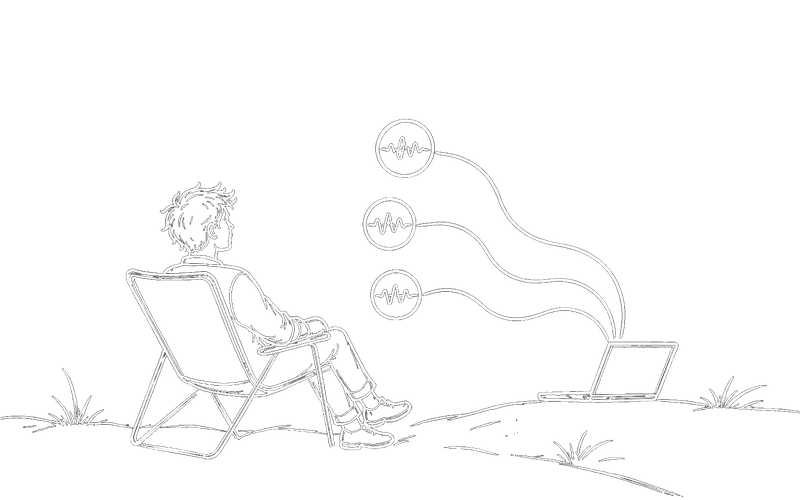
When the reply arrives out loud, you can be somewhere else entirely. That’s not a convenience feature in this context; it’s the part that makes the rest usable. It also means you can rest your hands and eyes during the long stretches where the agent is working, which is when most people would otherwise be sitting at the screen watching.
Practical notes
- Push-to-talk or hands-free. Holding a key is one keypress rather than a paragraph of typing; the widget can also be clicked.
- Interrupting works. You can talk over a spoken reply and still be heard, so you don’t have to wait out an answer that’s heading the wrong way.
- Approve-before-send turns your transcript into an editable draft, useful if reviewing beats re-dictating for you.
- Silent mode renders replies as text when speaking aloud isn’t an option.
Honest limits, because they matter more here
English only for now. Mac support is Apple Silicon only; Windows is x64; there’s no Linux build yet. It’s built for the coding-agent loop specifically, so it won’t dictate into arbitrary applications, if you need general system-wide dictation, you still need a general dictation tool alongside it.
We’d rather state that plainly than have someone arrive hoping it solves a problem it doesn’t.
If it does fit, everything above runs on your own machine and is free for life. And if you try it and something about the workflow doesn’t work for your hands, we’d genuinely like to hear it, that feedback is more useful to us than almost any other kind.