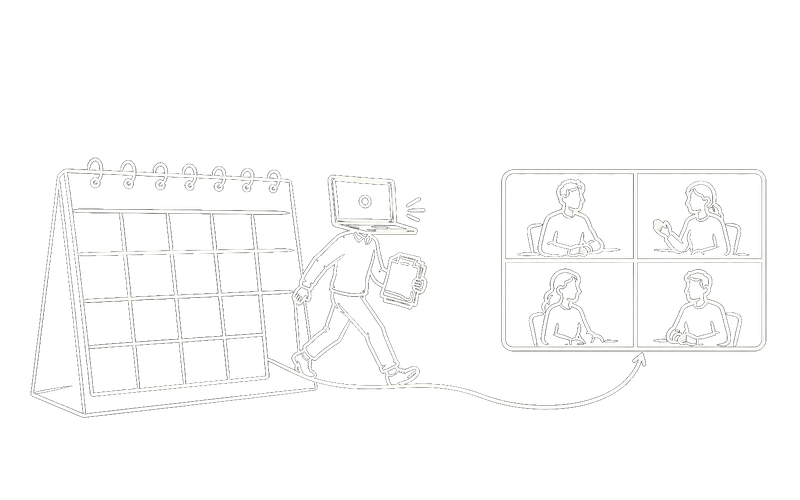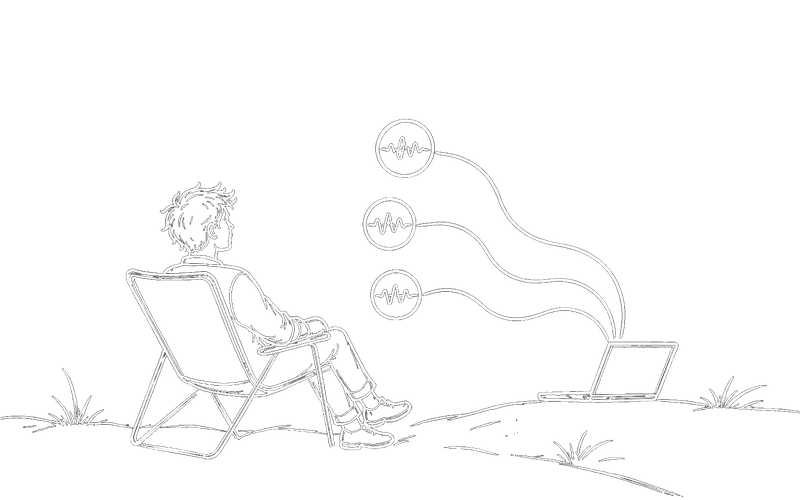
One project talking to you is a novelty. Three at once is a workflow, and it only holds together if you can tell, without looking, which one just spoke.
Most of the day-to-day friction in voice coding isn’t the talking. It’s the bookkeeping: which agent is connected, which project is busy, who just asked you a question, and whether the room can hear any of it. Here’s how that actually works once you’re past the first session.
Connecting is per project, not per app
You connect a project by opening your normal agent session inside its folder and typing ski once. The handshake is automatic; the project name and a green dot appear on the widget.
That’s worth restating, because it’s the thing that makes the rest possible: the connection belongs to the project, not to a window. You can have Claude Code in one repo, Codex in another and Cursor in a third, all connected at the same time, all live.
Give each project its own voice
Each connected project can run a different agent and speak in a different voice. This sounds cosmetic and isn’t.
When a background project finishes something, the reply announces itself, “From api-server: …”, and arrives in that project’s own voice. You learn the mapping within about a day, and after that you know who’s talking before you’ve parsed a single word. It's the difference between three notifications and three colleagues.
“From api-server: tests pass, want me to commit?”
Talk over it
Full-duplex barge-in means you can cut a spoken reply off mid-sentence and still be heard. In a multi-project setup this stops being a nicety: when a long answer starts and you already know what you want, you say so, and it stops.
Practically, this is what keeps you from muting everything out of self-defence the first time two projects finish at once.
When the room shouldn’t hear it
Two controls cover almost every awkward situation:
- Silent mode: replies render as text instead of audio. The loop keeps working; you just read the answer. This is the one for open-plan offices and for when you’re on a call.
- Mute: via fn/Globe, Space after clicking the widget, a hotkey, or the widget’s own button.
Spoken replies in a shared office without headphones are exactly as awkward as they sound. Silent mode exists because that’s true, not because we wish it weren’t.
Showing instead of describing
Some things are much faster to show than to say. A hotkey grabs your screen and attaches it to your next spoken request, so you can say “this layout is broken on mobile, fix it” while the screenshot rides along. Agents can ask for one too.
This is the feature that most changes how you phrase things. You stop describing what’s on screen and start pointing at it.
The goal isn’t to never touch the keyboard. It’s to stop being the thing that notices when work is finished.
When you want a second look first
Approve-before-send is optional and set per project. Your transcript becomes an editable draft you confirm before the agent sees it.
Most people leave it off on side projects and switch it on for the repository that matters, which is roughly the right instinct. Dictation errors are cheap in a scratch repo and expensive in production.
What the day ends up looking like
The shape that emerges isn’t “coding by voice” in the way people picture it. You still type. You still read diffs. What changes is the dead time: you hand something off, walk away, and the answer finds you instead of waiting silently for you to remember it exists.
With one project that saves you a few context switches a day. With three, it’s the only reason running three is possible at all.
If you haven’t set it up yet, that’s the four-step walkthrough. If you want to know what runs where first, here’s everything that touches the network.